


 »
»Futurama news
»Articles
»Episode Guide
»Character Bios
»Encyclopedia
»Episode Capsules
»Freeze Frame
»Comic Capsules
»Futurama FAQ
»Futurama Staff
»Lists & References
»Merchandise
»TV Listings
»Web News
»Futurama Links
»What's Futurama
»Behind the Scenes

 »
»Futurama Chat
»Episode Reviews
»Comic Reviews
»Episode Trivia
»Random Trivia
»Alien Codecs
»Romance Graph
»Fan Art
»Fan Fiction
 »
»Ascii Art
»Sounds & Quotes
»Fan 3D Art
»Animation & Video
»Frame Grabs
»Guitar Tabs
»Nokia Stuff
»Original Scans
»Other Sounds
»Promo Pics
 »
»Futurama Fonts
»Icons & Cursors
»ICQ+ Scheme
»PocketPC Themes
»Screen Savers
»Software
»Wallpapers
»Winamp Skins
 »
»Game Addons
»CGEF Games
»Submitted Games
»Flash Games
»Who Shot Fry?
»Conceptual Art
 »
»Andie
»mARC 7-G





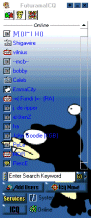
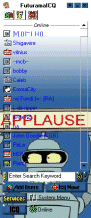
Instructions
1. Download ICQ plus here
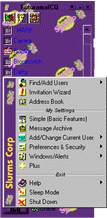
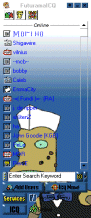
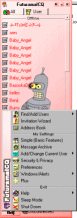
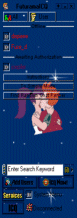
2. Download a skin by clicking on a picture
3. Unzip the file to C:\PROGRAM FILES\ICQPLUS\FUTURAMA
4. Open ICQ
5. Click on the plus sign on top of ICQ
6. Then Double click on FUTURAMA
7. Enjoy!
|
|  |
|
|
|  |
|
|
|






 Visit our strong going affiliate PEEL. Once part of CGEF, it grew to unexpected popularity and now is the board for Futurama fans.